by George Sruthin | Jun 21, 2016 | Howtos, Windows
To Create God Mode on your PC you need to login to your Windows Machine with Administrative privilege
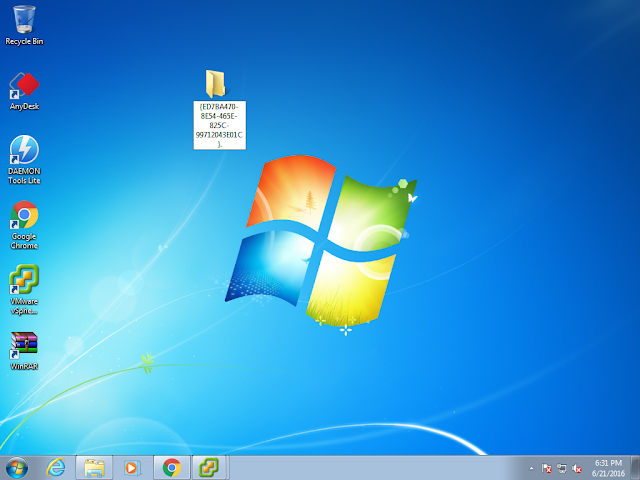
Then Right Click on the desktop and create new folder in there
Then Rename it with following name
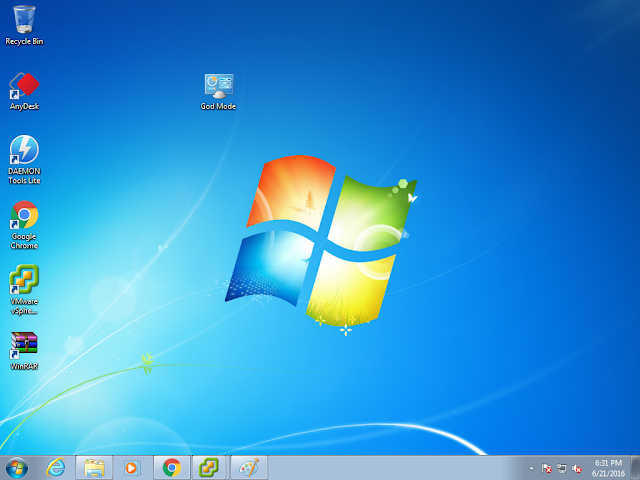
God Mode .{ED7BA470-8E54-465E-825C-99712043E01C}.
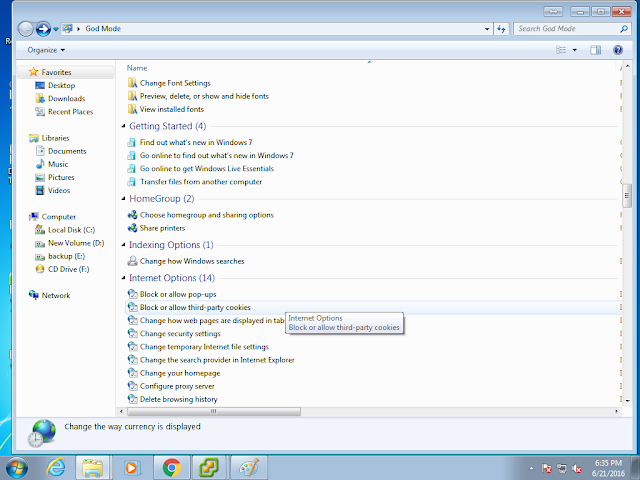
Double clicking this icon will give you access to many features like you see in this picture
by George Sruthin | Mar 6, 2016 | Howtos, Linux, Programming
In older version NetBeans default uninstall location was /usr/local/netbeansxxxx
but in new versions they have changed installation locations actually, you can decide to which location to install
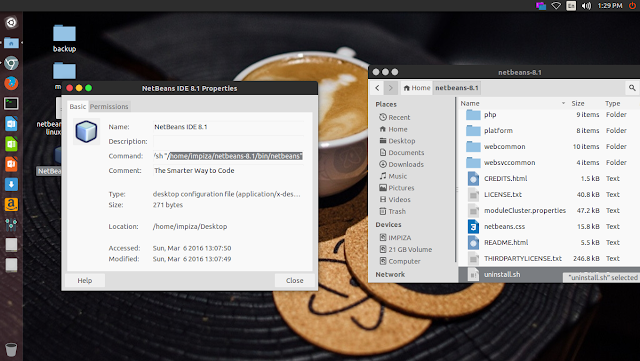
in new versions you can easily find the installed location just right click and checking properties of NetBeans Desktop icon
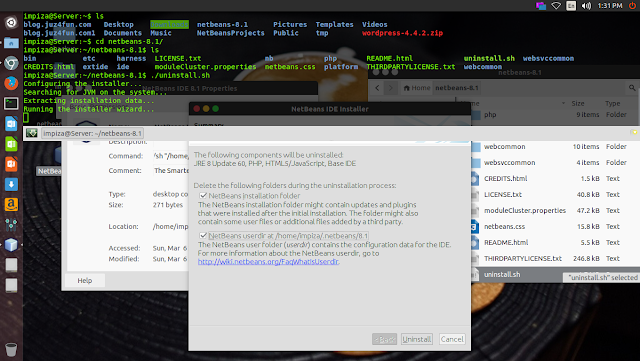
In my case i have installed it in my Home folder, i opened terminal,moved to installation location using cd /installation path
*change installation path to yours
In your terminal it will looks like this
type
press enter
uninstall
Enjoy.
by George Sruthin | Mar 6, 2016 | Howtos, Linux, Programming
First go to netbean download page https://netbeans.org/downloads/
download the netbeans installer .sh file
open terminal go to download location
make file executable by using following commands in terminal
chmod +x netbeans-8.1-php-linux-x64.sh
in your case netbeans file name may very
once you make file executable type following commands in terminal
in your case change filename.sh to your file name
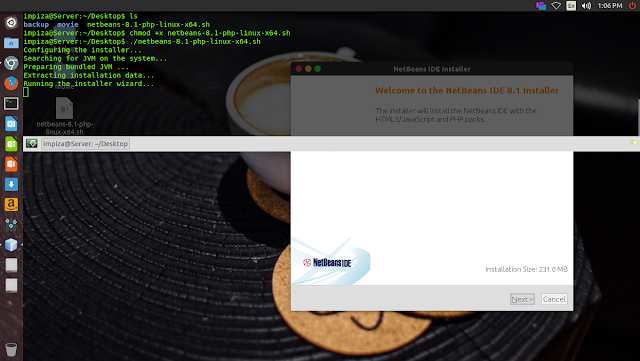
it will pop up an installation wizard like this
just follow the instruction to install
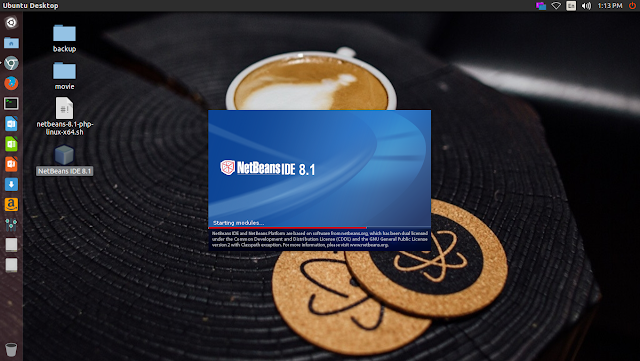
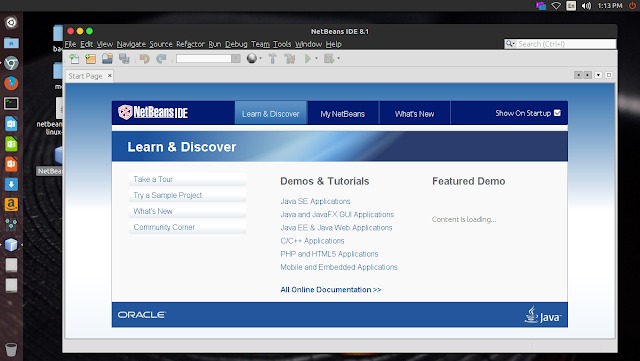
after installation you can find NetBeans IDE icon on your desktop double click it to open the application
by George Sruthin | Jan 27, 2016 | Howtos, Linux, Troubleshooting
How to fix NTFS partition is in an unsafe state ?
This usually happen with recently upgraded dual bootable windows linux pc , if you upgraded to windows 8 or later you will get this error in linux
Solution
open your terninal
type
sudo ntfsfix /dev/sda3
in here /sda3 is my hdd id check error in your pc for your hdd id
by George Sruthin | Dec 9, 2015 | Android, Howtos, Linux, OS
How to access your Linux Desktop using android app
To using this you need to be in same network
There are two apps available in playstore free and pay
for this tutorial i have used free one
install this app and open it in your android device
then configured it with ip , username and password of your linux machine
Click connect to establish connection between your linux machine and Android device
enjoy 🙂
by George Sruthin | Nov 18, 2015 | Howtos, Linux, OS, Windows
i am using Linux Mint as client machine
for Ubuntu / Mint open terminal
use this command line to install rdesktop
sudo apt-get install rdesktop
hit enter
then type your password in hidden field
type y and hit enter
after installing rdesktop you have to type this command in terminal window
rdesktop 192.168.1.51
in this case my server ip is 192.168.1.51
a windows login window will pop up
use your login account and password to login
enjoy