How to install android in your virtual box ! Mac , windows , Linux !
things you need to install android in your pc , mac


- A working computer with minimum 1 Gb of ram
- OS widows , Linux , Mac OS X
- Latest version of Virtualbox —> https://www.virtualbox.org
- Virtual box extension pack —> https://www.virtualbox.org/wiki/Downloads “Support for USB 2.0 devices, VirtualBox RDP and PXE boot for Intel cards.”
- android iso —-> http://code.google.com/p/android-x86/downloads/list
- but this iso i have used which works better for me http://www.buildroid.org/Download/android-x86-vm-20120130.iso.gz
FOLLOW STEPS
- Install virtual box
- install virtualbox extension pack
- download android iso
Open up your virtual box app
click new to install new os virtually
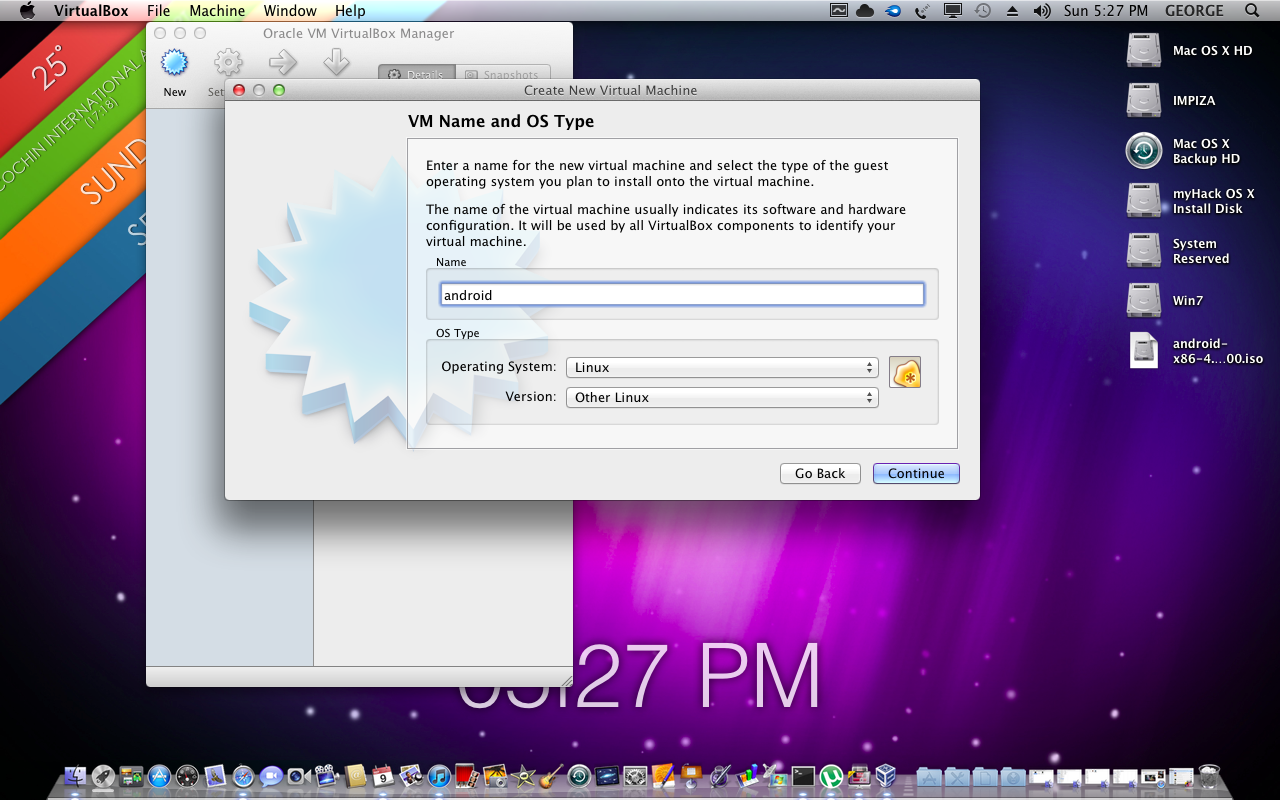
name it , select os type
so select linux , version as other linux
so select linux , version as other linux
Set up Memory for virtualbox in this tutorial i have given 512 mb

Set up Disk space
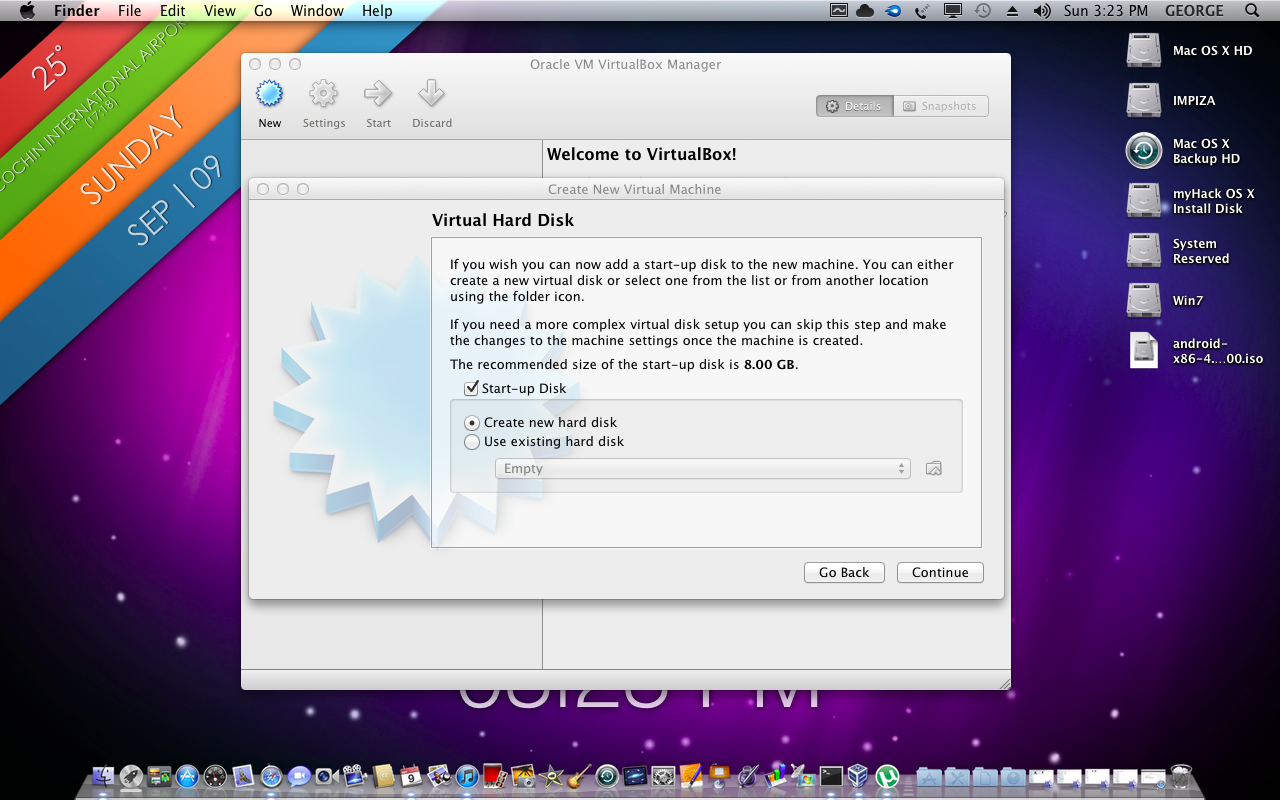
select virtual disk type in here i have selected .vdi (virtualbox disk image)

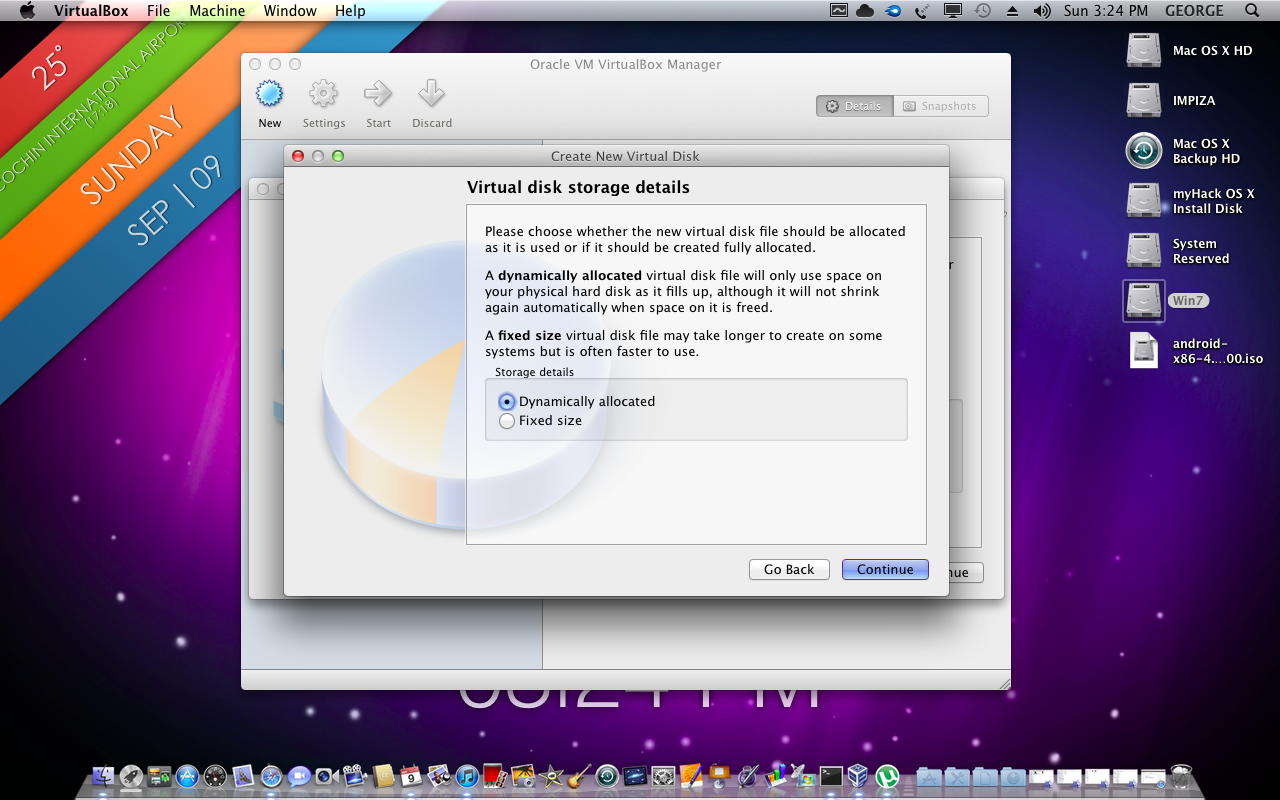
now select virutal disk storage type ! “always select dynamic ”
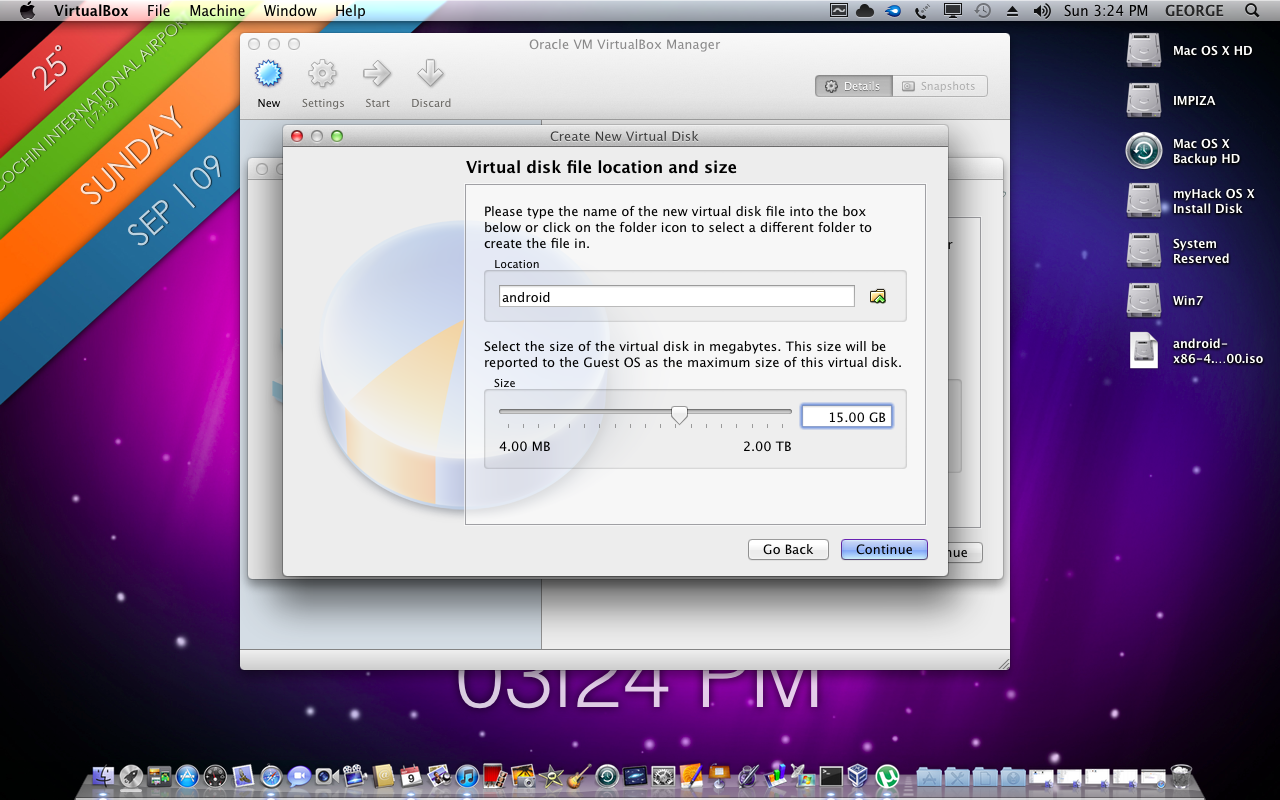
i have given 15 Gb for my android os
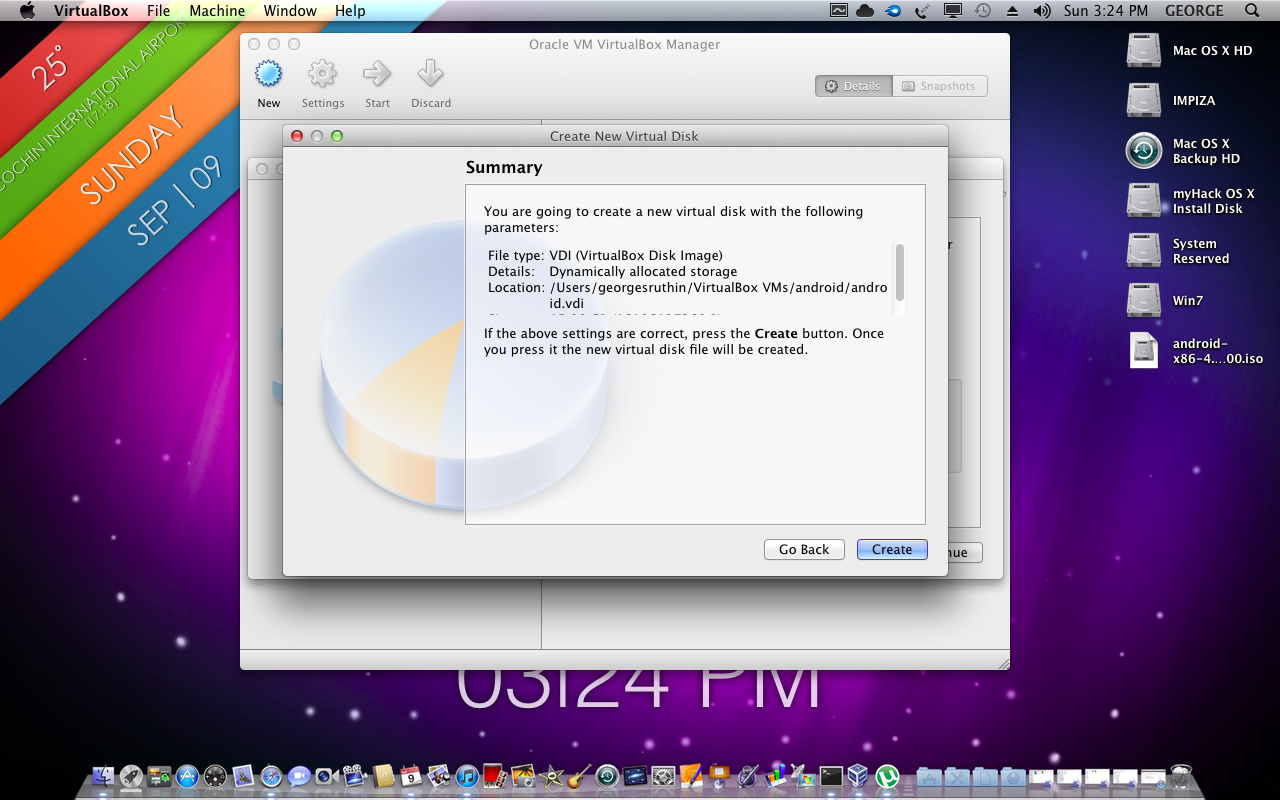
now click create done !
————————————————————————————————————
now select your os from virtualbox click start
then a popup box appear asking for disk image select os iso

select it and click start on next screen
here android start
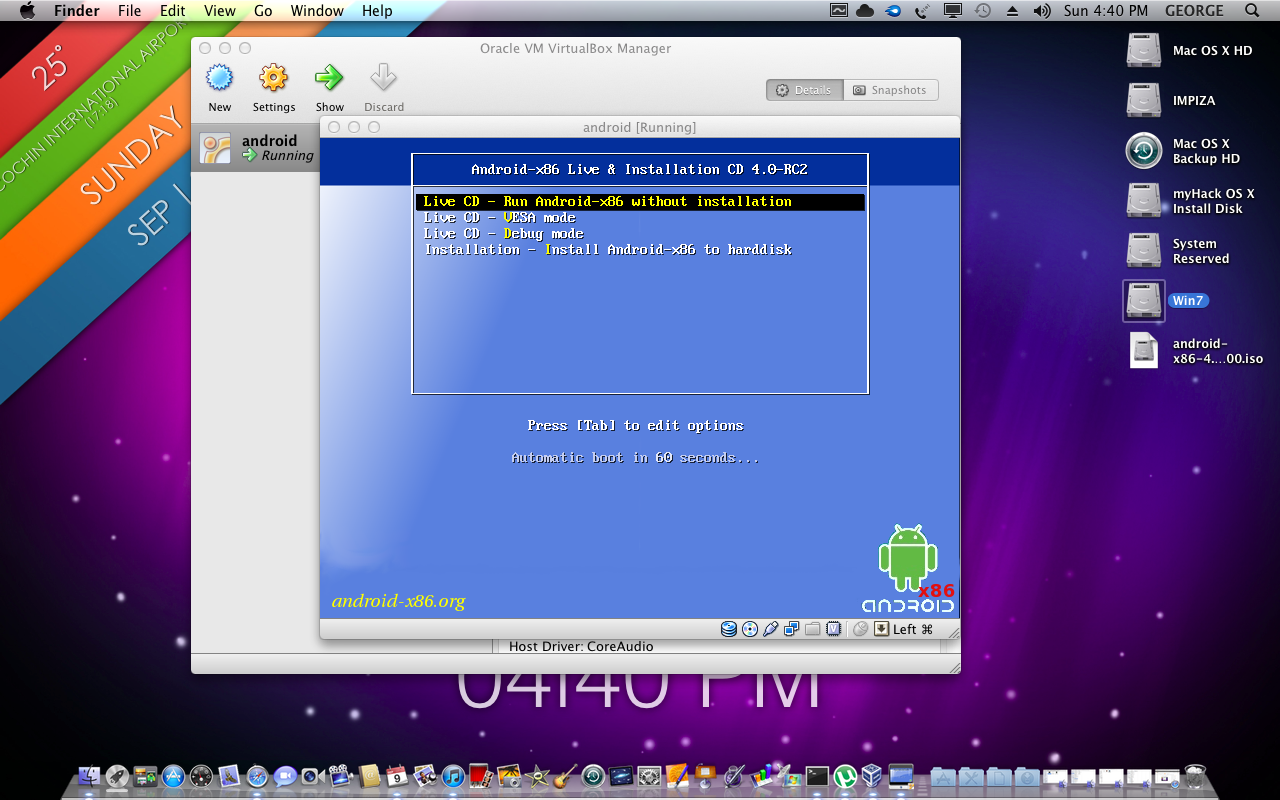
move arrow key to below and select
“Installation – Install Android-x86 to harddist “
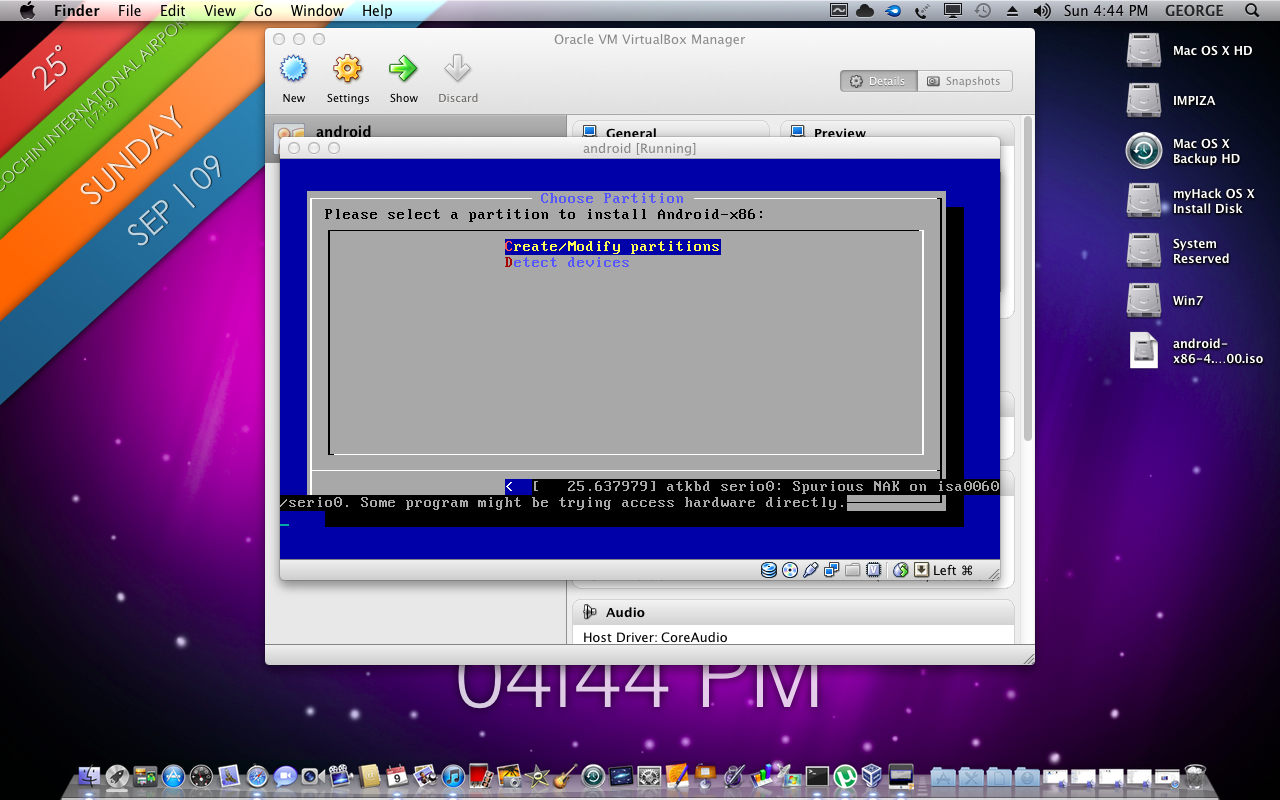
select create partition
@ next screen hit new
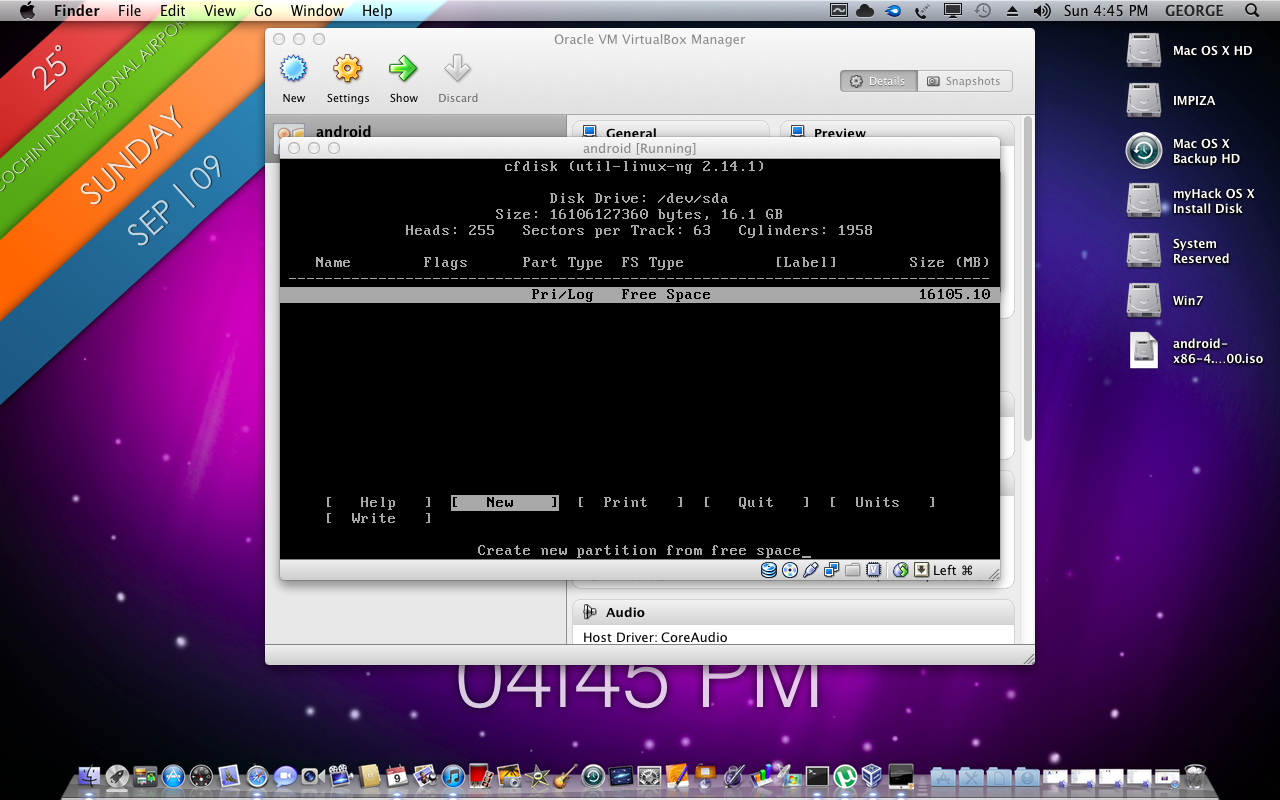
select primary at next screen
select new
select write
at this time os will ask you to say yes or no
so type ” yes ” to write and hit enter
exit
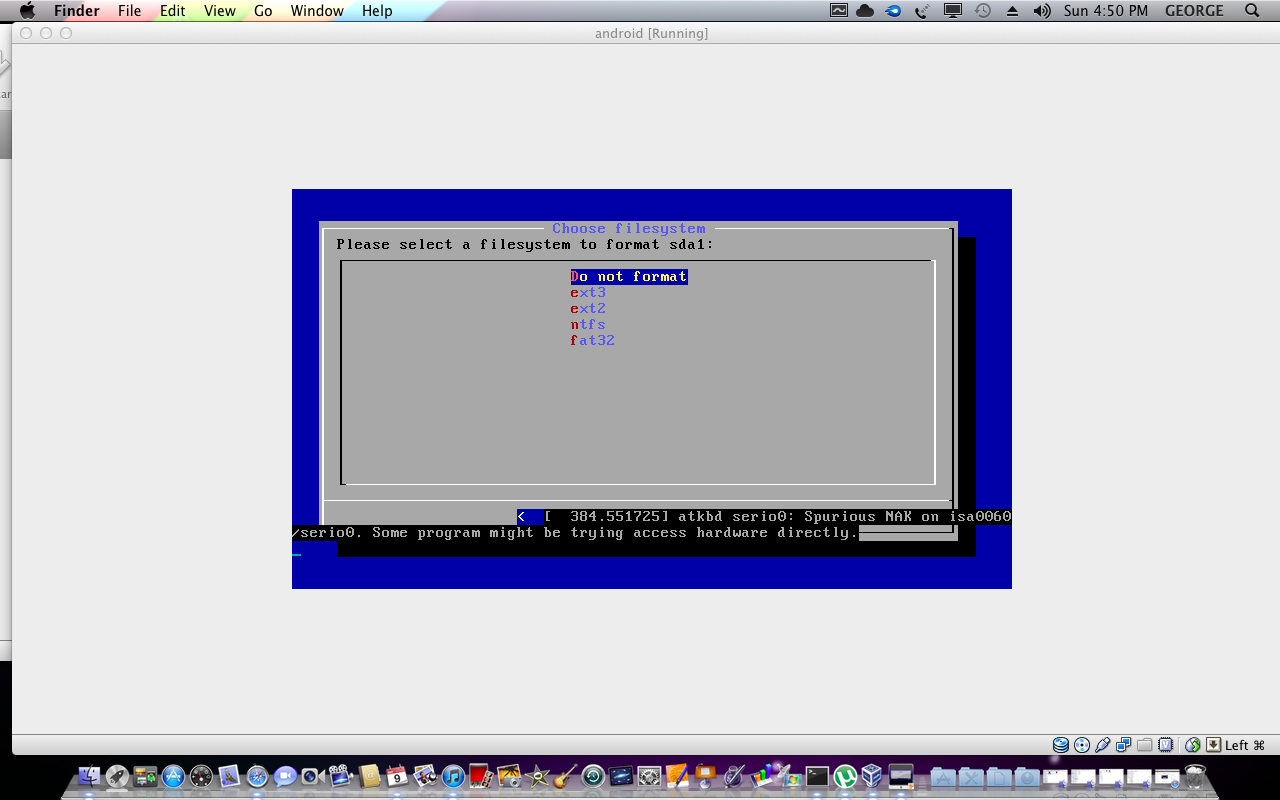
then select file system as ext3
select install grub as yes
select android done
after the installation it will ask to reboot but dont reboot
there will show three options
- run android
- make fake flash drive
- exit
so select make fake flash drive
done

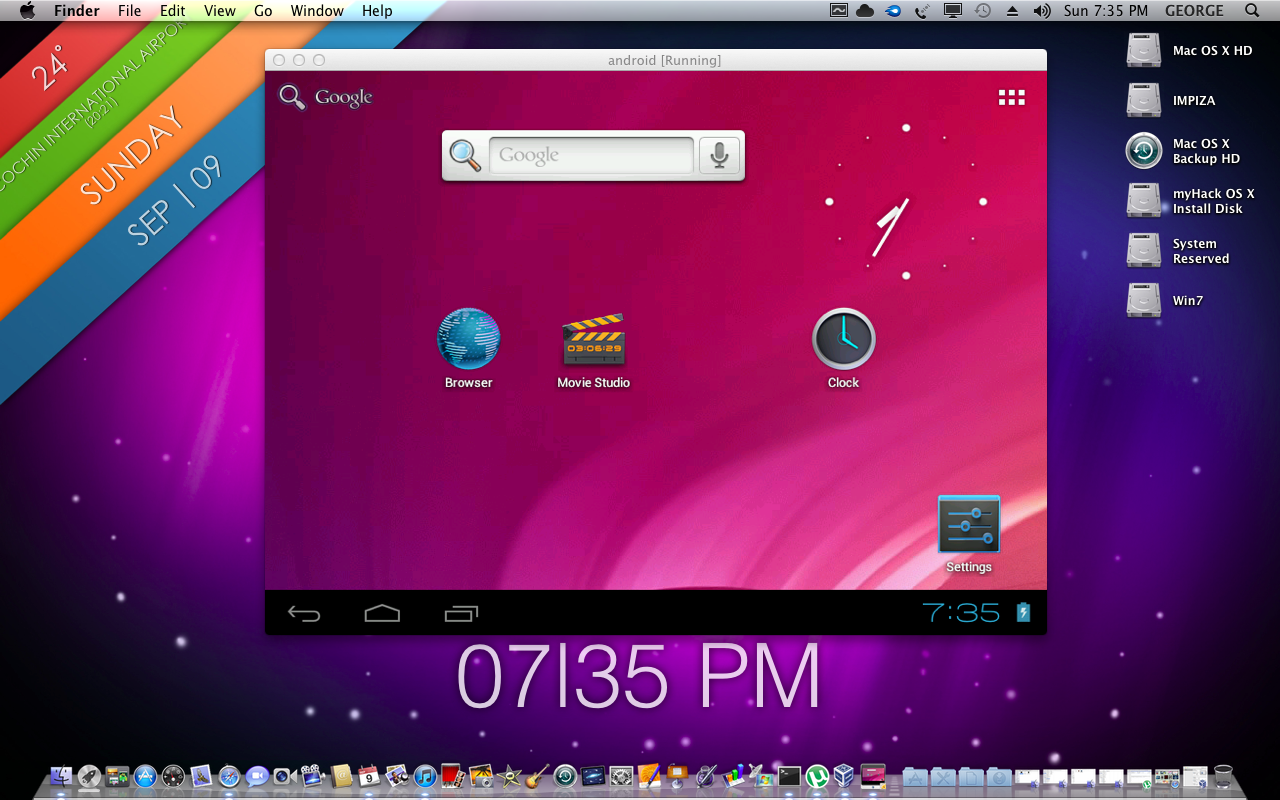
Thank you for watching this tutorial ! 🙂
How to configure android network in virtualbox see this !

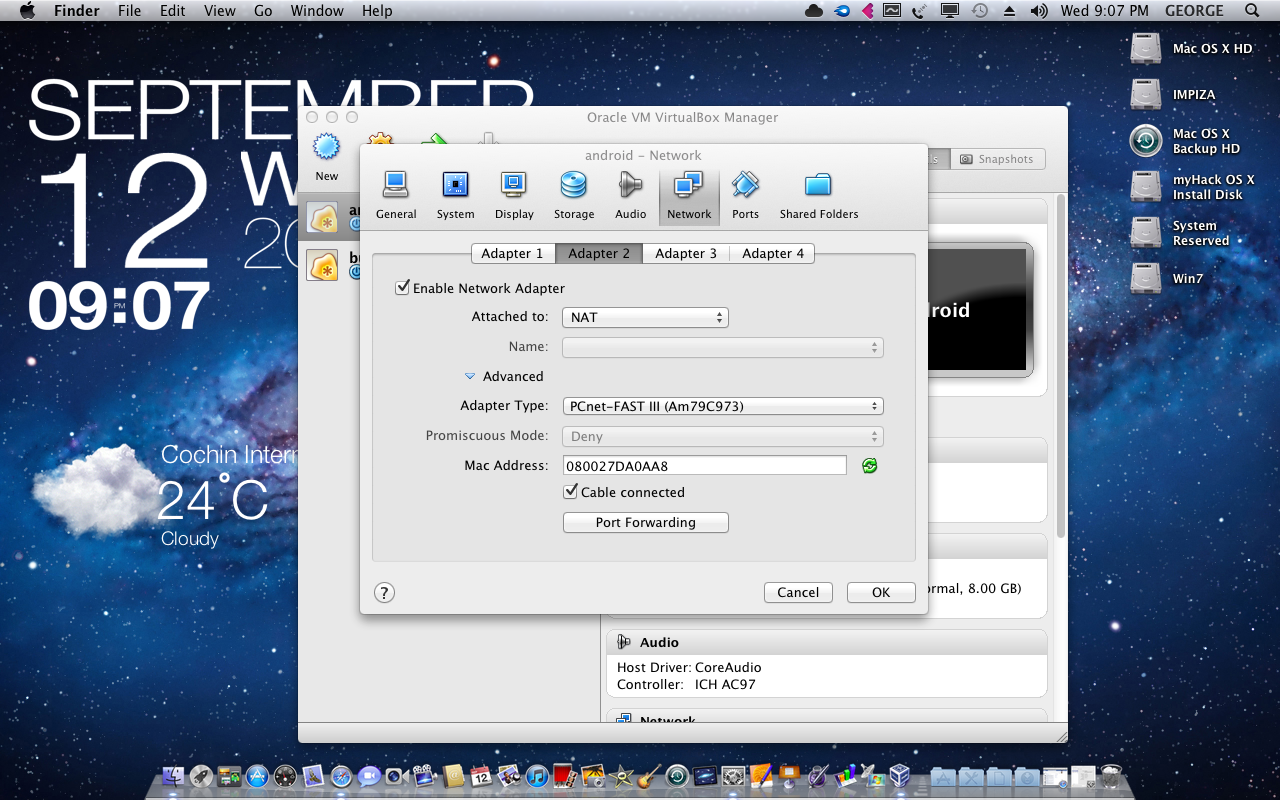
after that watch this video