
How to remove Windows Watermark

How to remove Windows Watermark

by George Sruthin | Sep 29, 2021 | Howtos, OS, Windows | 0 comments

You may have faced this issue in Evaluation versions or Preview releases or OS you are not activated, it's very easy to remove this.
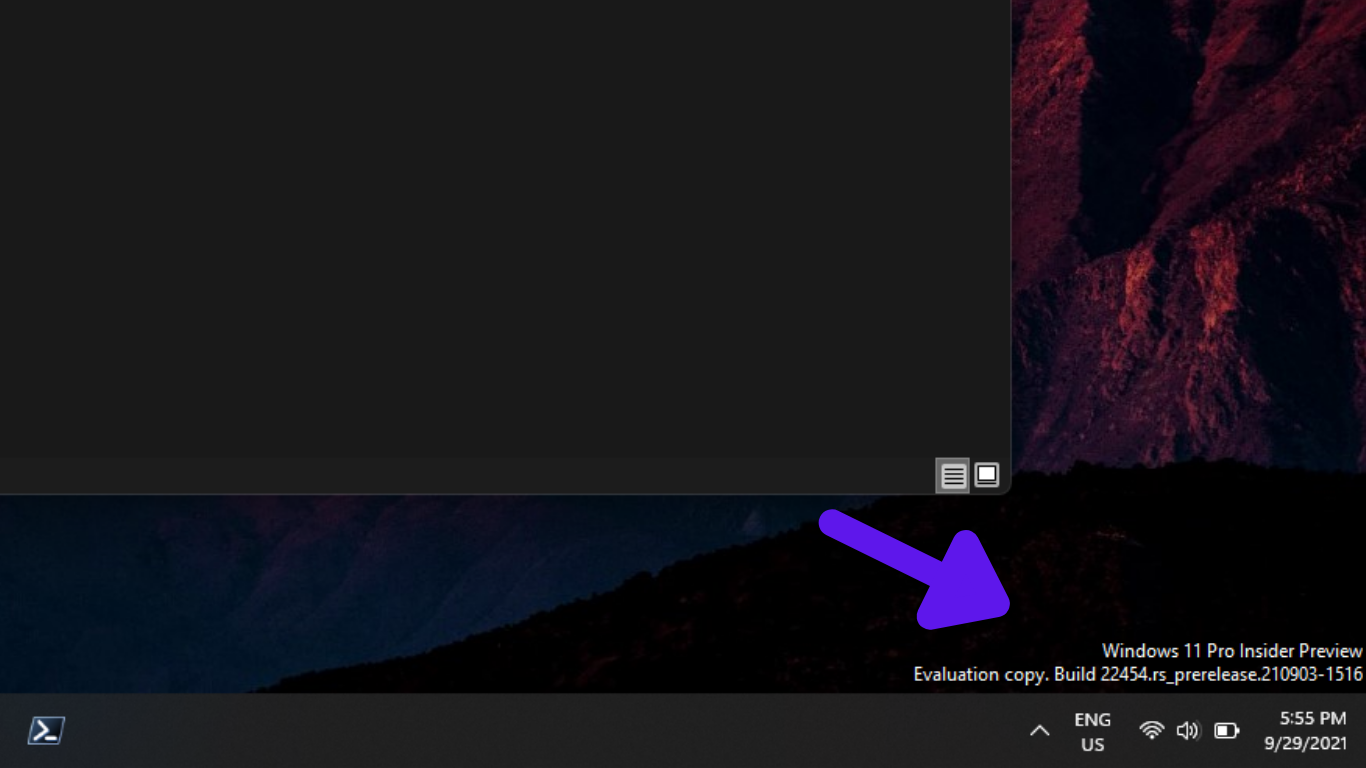
How to remove Windows Watermark pics 1

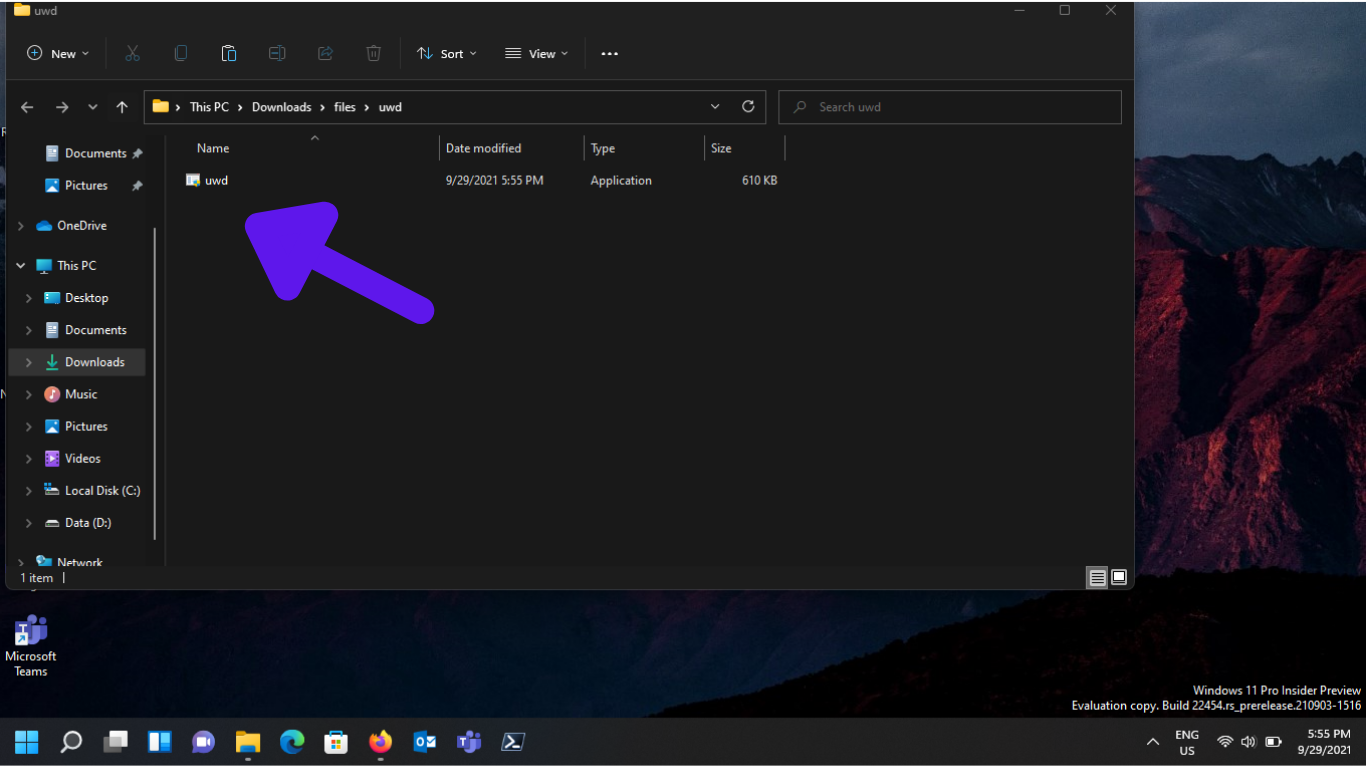
using a free tool you can remove this watermark.  It's called Universal Watermark Disabler.
How to remove Windows Watermark pics (2)

download from above link and extract to a folder

Note:

Please uninstall Universal Watermark Disabler before installing the next Windows 11 Insider Build. Else, you might face some crashes or errors. If you update Windows Insider Builds frequently. Or, auto-updates are enabled, then I suggest you not install UWD.
How to remove Windows Watermark pics (3)

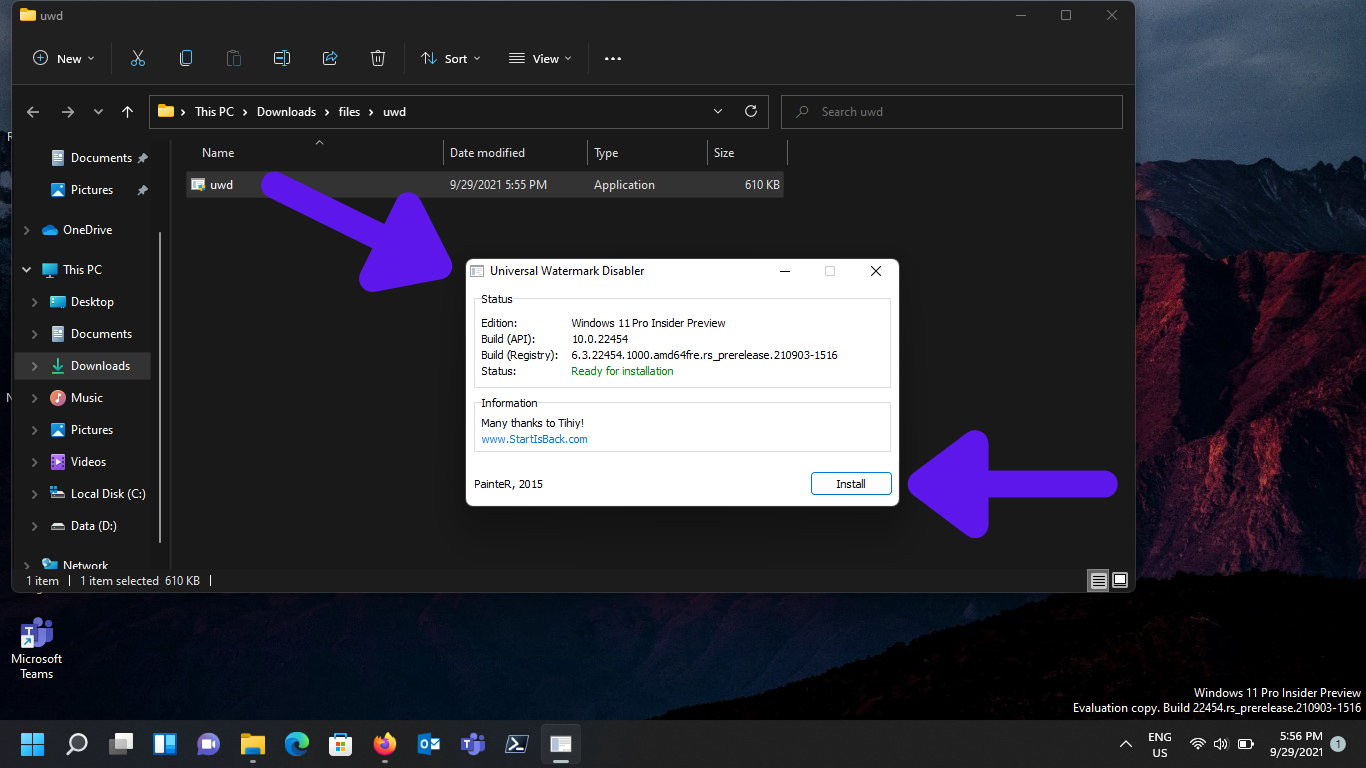
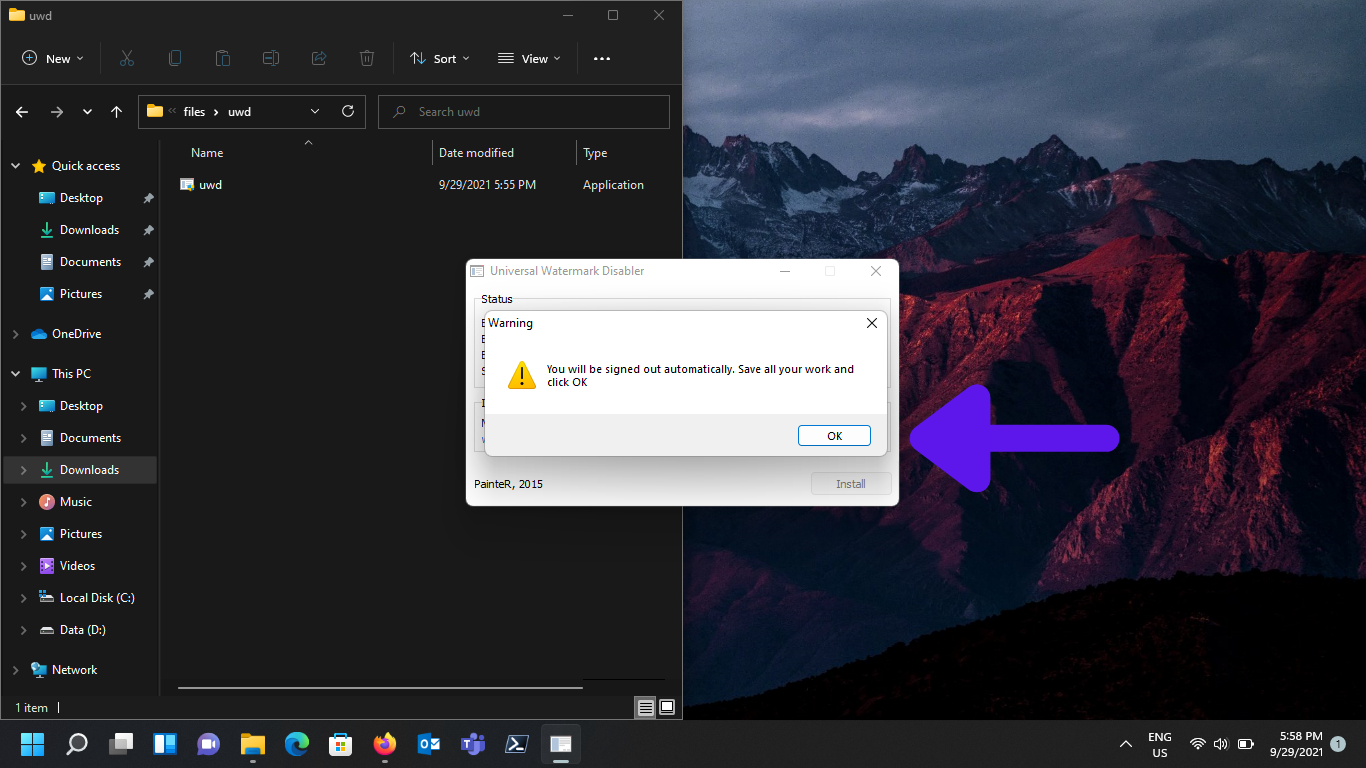
Install application then it will ask you to logout, once you login again you can see water mark disappered.
How to remove Windows Watermark pics (4)

to uninstall UWD you just need to double click the setup file and click uninstall after logout and login watermark will appear again.

The Inspiration Behind This Article ⭐

Special thanks to Jake on LinkedIn for the inspiration behind this blog post. Your thoughts on the "Ivory Tower" concept encouraged me to expand on the idea and explore how it impacts leadership, IT, and organizational decision-making.

Written By George Sruthin

👋 Hi, I'm George Sruthin, founder of TechRidez. 💻 I help IT professionals solve real-world infrastructure challenges through practical guides on 🐧 Linux, ☁️ Cloud, 🖥️ Virtualization, 💾 Enterprise Storage, 🔐 Cybersecurity, 🌐 Networking, and ☁️ Backup Solutions.

Related Posts

Comments

0 Comments

0 Comments

Submit a Comment


Subscribe For Instant News, Updates, and Discounts

Pin It on Pinterest

Shares
Share This