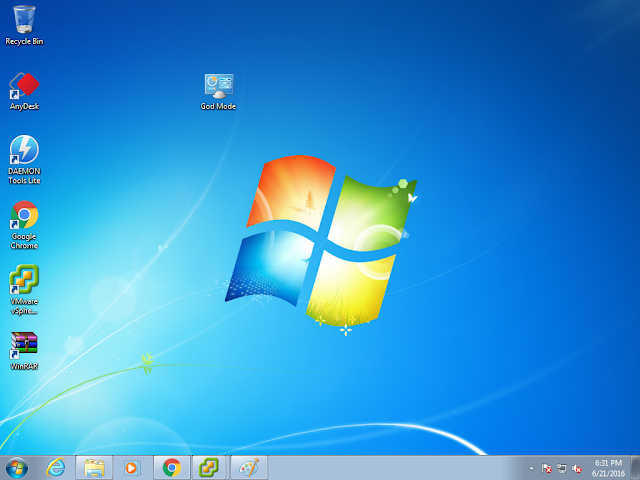
How to Enable God mode in Windows PC

by George Sruthin | Jun 21, 2016 | Howtos, Windows | 0 comments

To Create God Mode on your PC you need to login to your Windows Machine with Administrative privilege Then Right…

To Create God Mode on your PC you need to login to your Windows Machine with Administrative privilege Then Right…

To Create God Mode on your PC you need to login to your Windows Machine with Administrative privilege

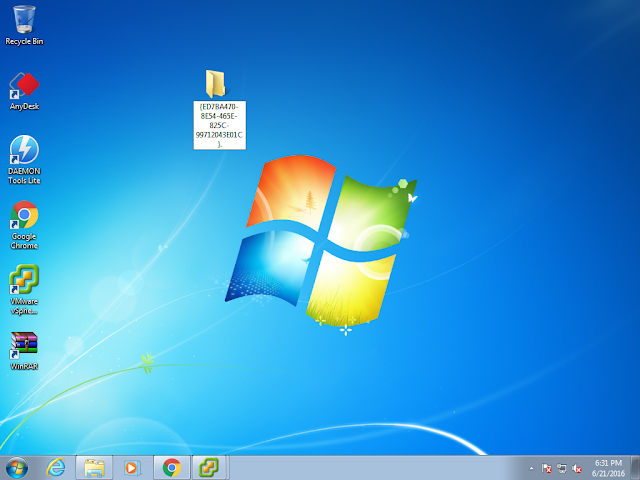
Then Right Click on the desktop and create new folder in there

Then Rename it with following name

God Mode .{ED7BA470-8E54-465E-825C-99712043E01C}.
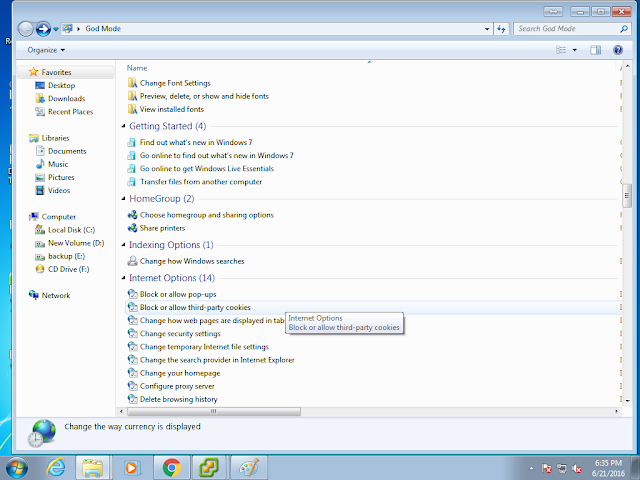
Double clicking this icon will give you access to many features like you see in this picture
Enjoy

Written By George Sruthin

👋 Hi, I'm George Sruthin, founder of TechRidez. 💻 I help IT professionals solve real-world infrastructure challenges through practical guides on 🐧 Linux, ☁️ Cloud, 🖥️ Virtualization, 💾 Enterprise Storage, 🔐 Cybersecurity, 🌐 Networking, and ☁️ Backup Solutions.

Related Posts

Comments

0 Comments

0 Comments

Submit a Comment


Subscribe For Instant News, Updates, and Discounts

Pin It on Pinterest

Shares
Share This